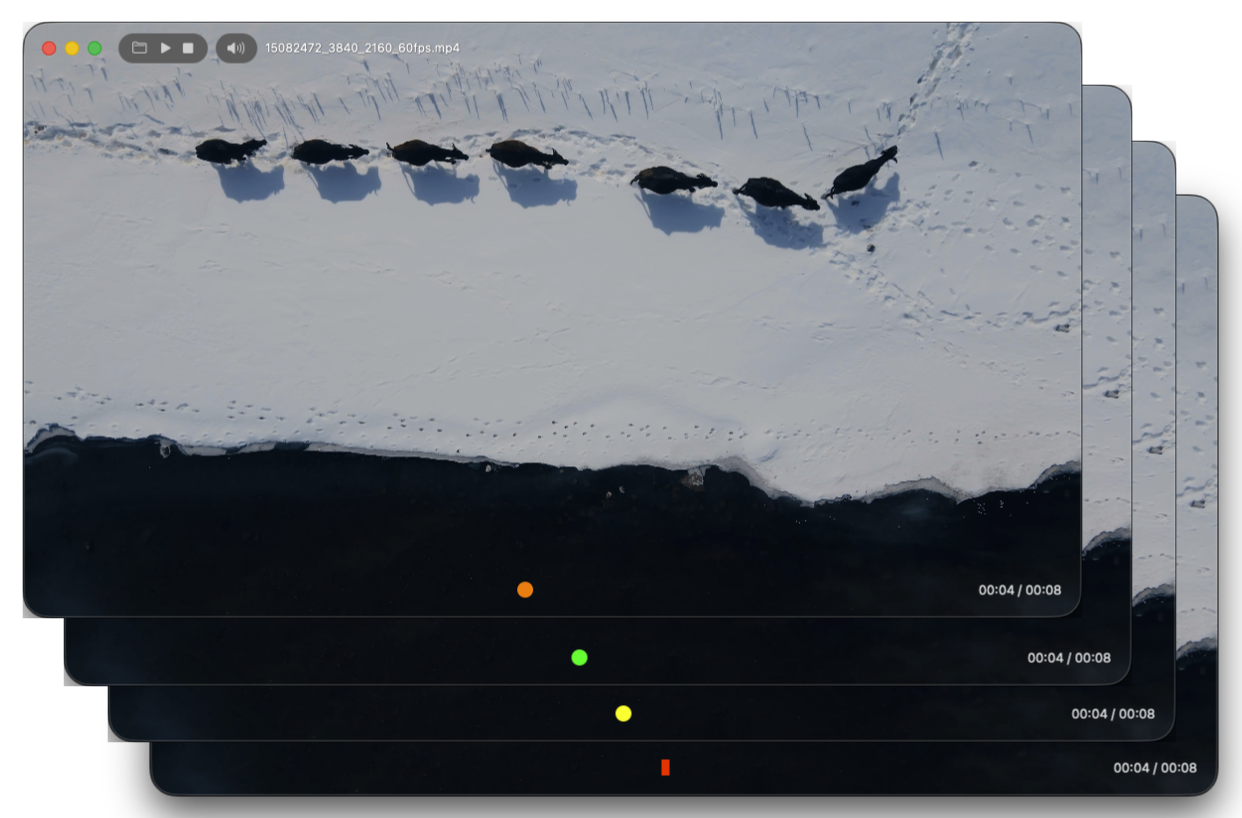
Welcome
Discover a new way to focus on your video. Gyuni Player’s tools appear only when you want them—never covering the picture—so you can stay fully immersed.
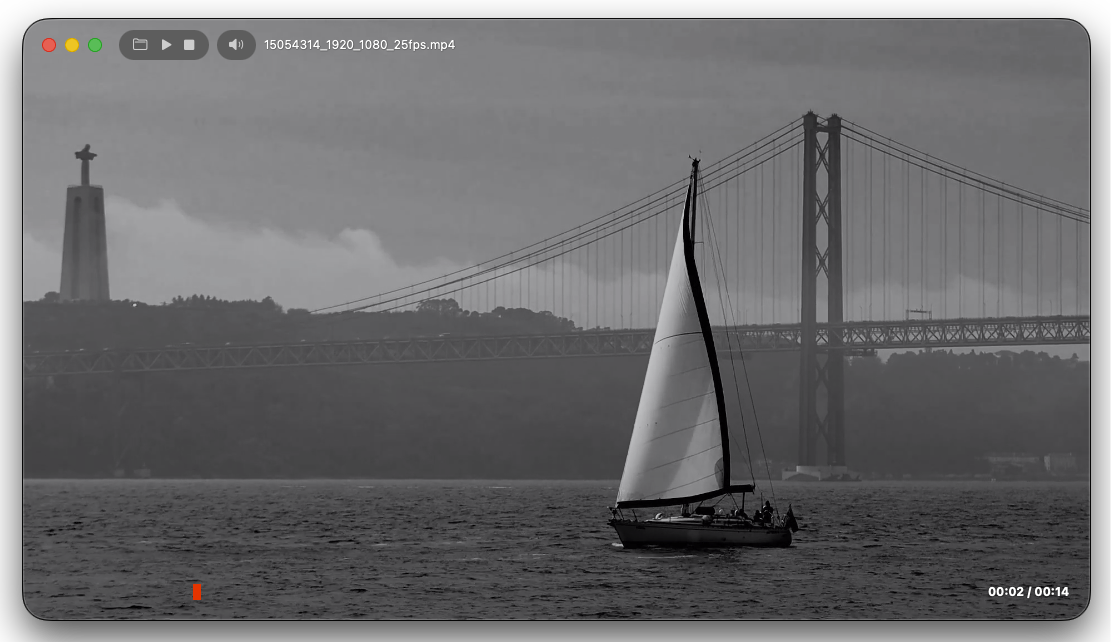
Layout
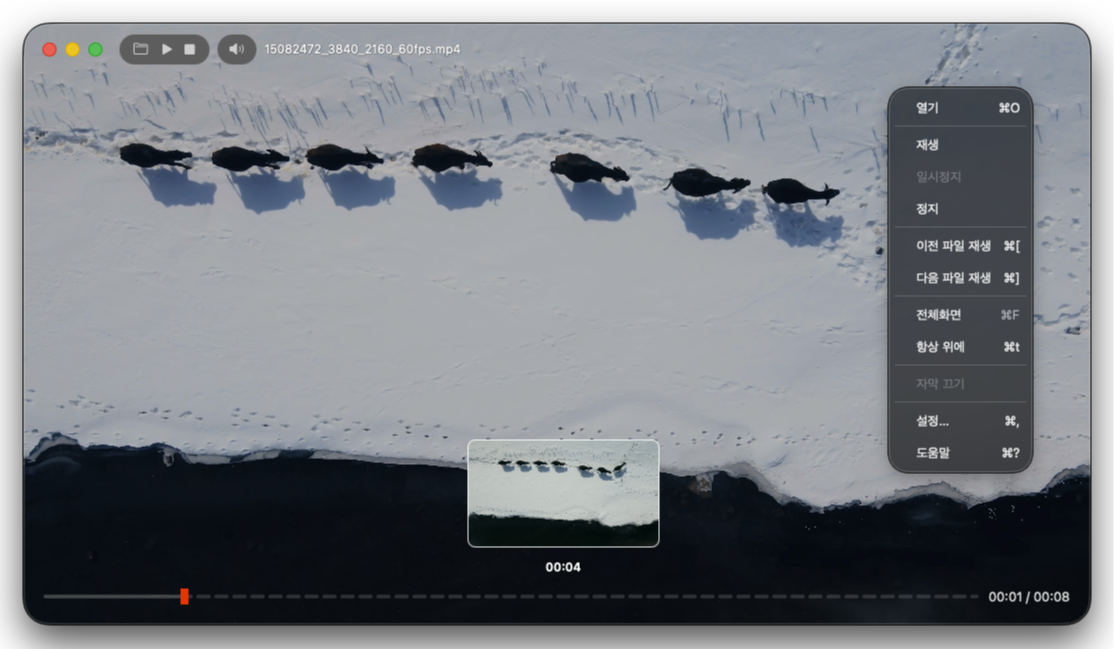
Experience an intuitive layout built for deep immersion. Find the most-used controls quickly in the right‑click menu, and the timeline appears only when you need it—together with thumbnails—to help you navigate.
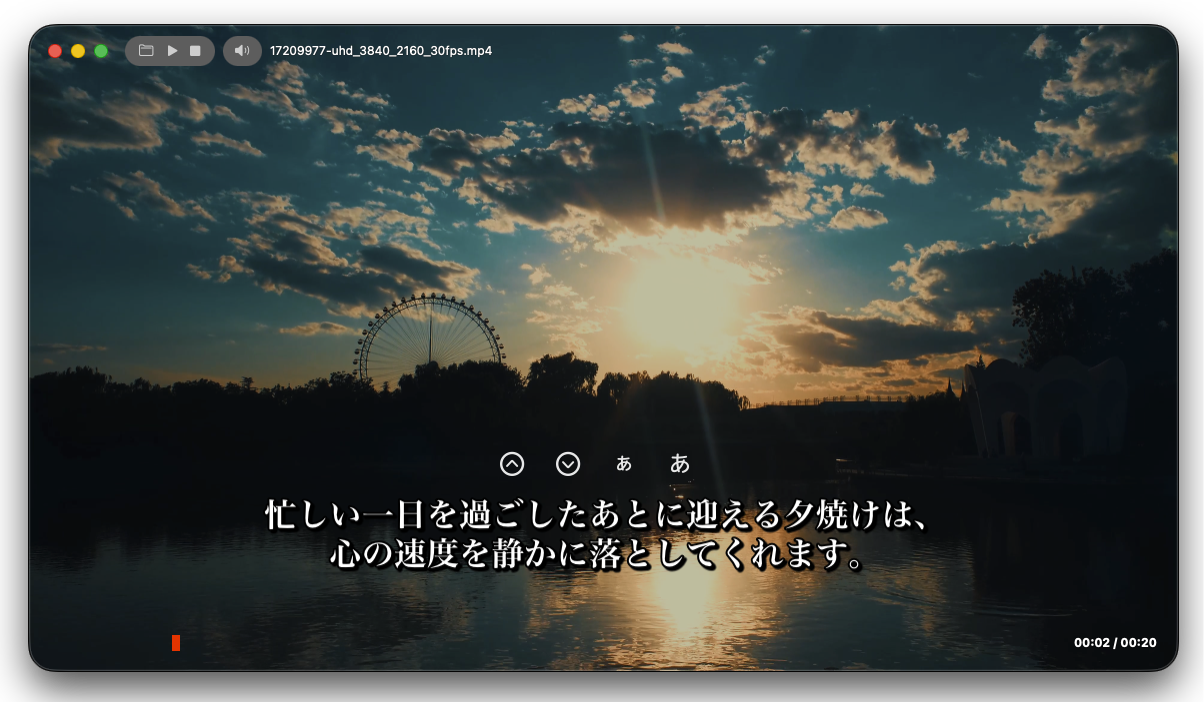
Subtitle control
Use intuitive on‑subtitle icons to adjust position and size instantly. Fine‑tune sync with a pinch‑like gesture—grabbing both ends of the subtitle—for a fresh, effortless workflow. Video and captions blend beautifully.
Canvas
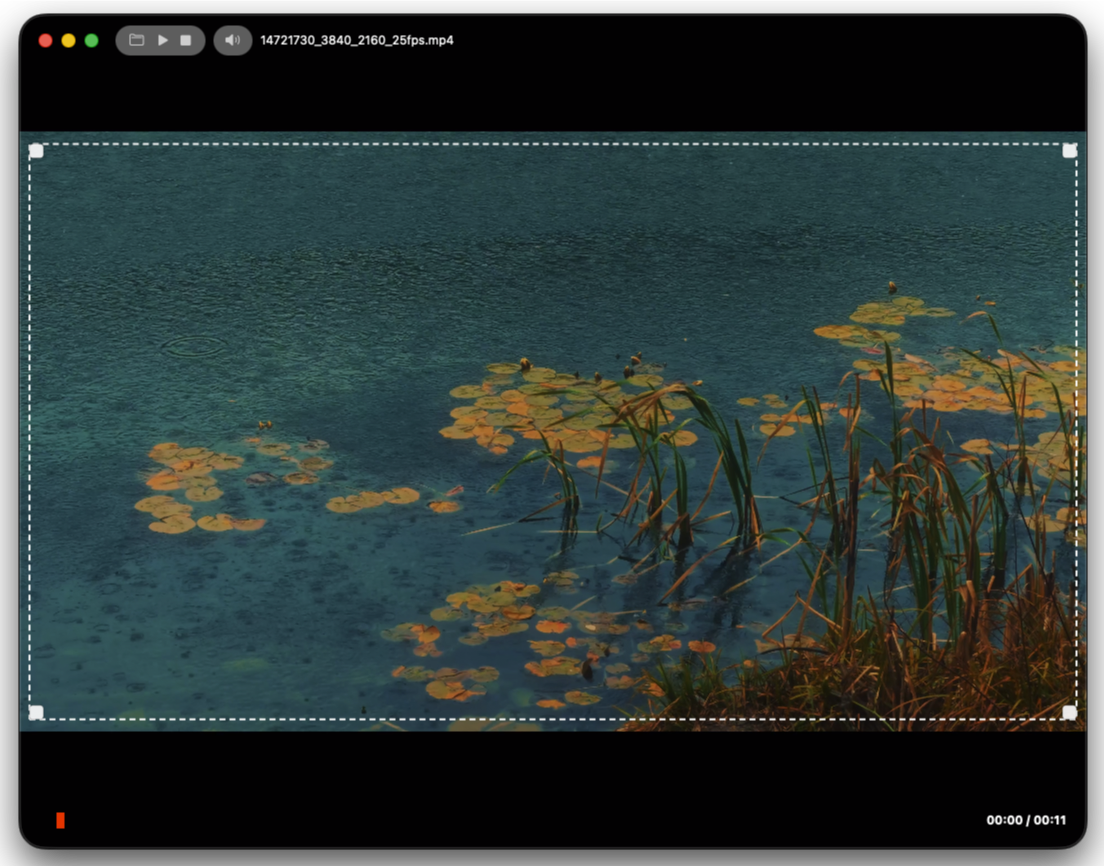
Drag with your mouse to remove letterboxing (the black bars) or freely adjust the aspect ratio. Place your video on your own canvas.
Design
Gyuni Player shows how great design becomes great functionality. Feel the difference in the details.